

Connect a coding agent
The VS Code extension exposes a Model Context Protocol endpoint over Streamable HTTP. TensorViz supplies graph facts and tools. Your agent supplies the language model. No TensorViz provider key is required.
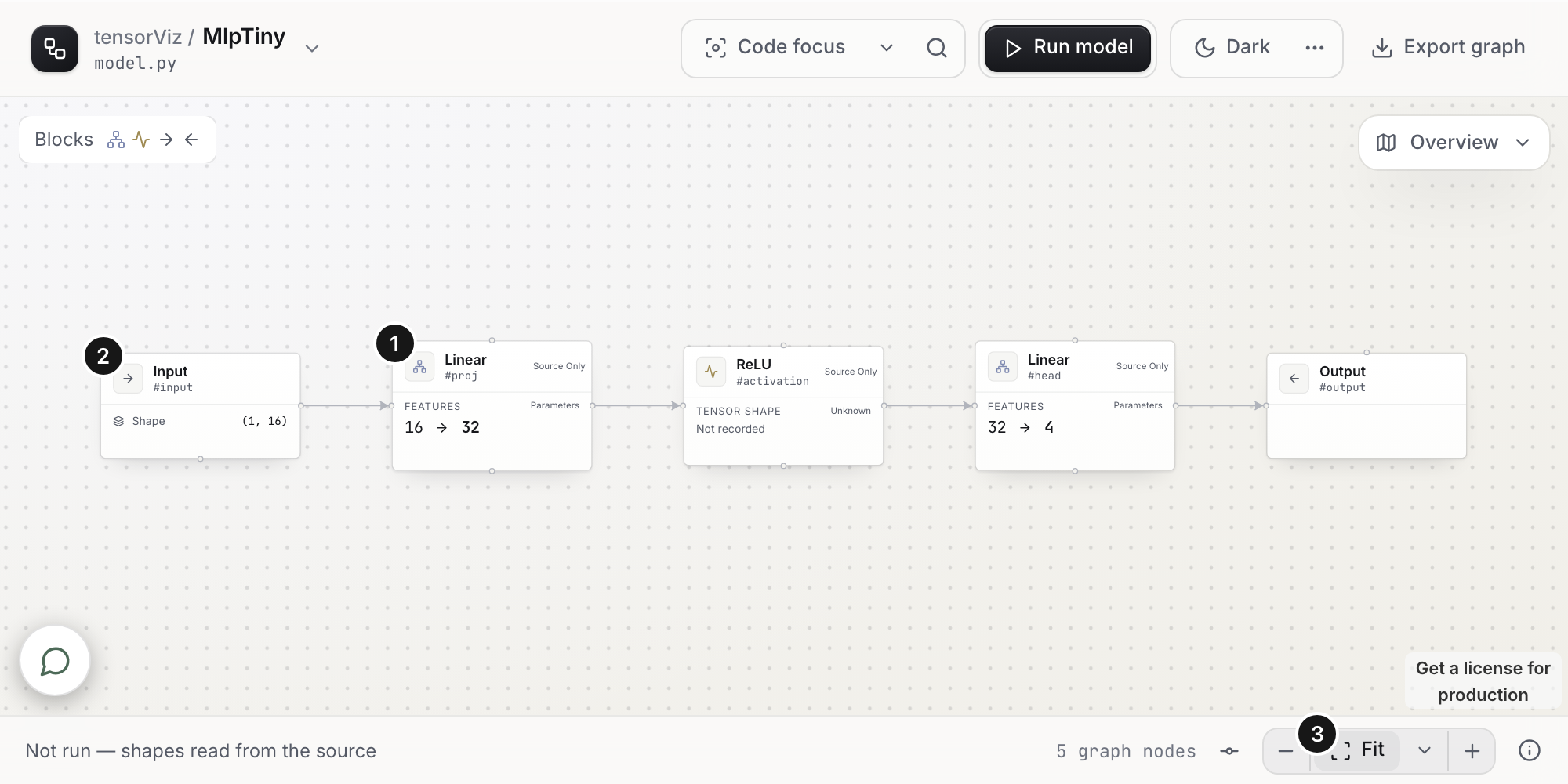
MCP is optional. You can fill in Set up manually or edit tensorviz.toml. All three routes use the same saved-profile capture. An agent does not unlock another validation level and does not replace the Python environment.
For a graph while the editor is closed, install the coding-agent plugin once and do not also add this extension endpoint to that agent.
Tool arguments are in MCP tools. Loopback, SSH, and the browser link are in MCP security.
Contents
Connect
- Click the status-bar item (TensorViz: Off until you connect), or run tensorViz: Connect coding agent (MCP). From the setup form, Set up with agent (Recommended) is the VS Code button. The plugin browser says Copy setup request.
- Choose Codex, Claude Code, or Cursor and approve Add TensorViz. That writes the extension's MCP URL for local projects. No plugin install is required for this path. Keep the editor open.
- A previous local TensorViz HTTP URL can be updated after you choose Update TensorViz. Disabled, command-based, and non-local entries need a manual edit. Other clients get the URL and setup instructions. No project has to be open.
- In an SSH window the guide shows the server-side URL for an agent on the server. For an agent on your desktop, choose Forward MCP to This Desktop and add the returned URL yourself. Details: SSH.
- Reconnect the agent or start a new chat. Ask it to open the model.
open_graphopens the Canvas, resolves setup, and captures. Writing the configuration file does not prove the agent connected.
After approval, the tensorViz MCP guide lists the next steps, including VS Code Copilot. Copy setup request asks the agent to identify the file and class and call open_graph. If a graph is open, Use the model open in Canvas copies a request for that target. Return to Canvas closes the guide and shows the retained Canvas. It does not run a model or clear the form.
Client files:
| Client | File |
|---|---|
| Codex | ~/.codex/config.toml, or $CODEX_HOME/config.toml |
| Claude Code | ~/.claude.json |
| Cursor | ~/.cursor/mcp.json |
Custom Claude directories, symlinks, invalid settings, and unsaved edits use manual setup. Restart or reconnect the agent after a write.
References: Codex, Claude Code, Cursor, VS Code.
Status
The status bar shows TensorViz: Off, TensorViz: Ready (listening), or TensorViz: Connected (a session). Connection is off until you enable it. That choice is remembered on this machine. tensorViz: Disconnect coding agents (MCP) revokes sessions in every window on that host and turns off automatic reconnection.
One window owns the listener. Other windows share its URL. Another enabled window takes over within a few seconds after the owner closes. Sessions end at takeover, so clients reconnect. Closing every window makes MCP unavailable until the editor starts again.
Every local window is discoverable before it has a graph. Setup, execution, focus, and reviewed proposals route to the owning window and keep the originating session's ownership. Tools accept an optional hostId. An ambiguous file or active editor requires it. See open a graph.
On a fresh installation, open_graph can return awaiting_runtime_install with an approve_runtime_install next action. The user must approve Install tensorViz’s runtime in VS Code; tensorViz: Repair runtime also opens runtime setup. Poll the returned requestId after the user responds. Polling does not approve installation or start another opening.
For project pin mismatches, the extension can return use_installed_versions. Send open_graph with action: "use_installed_versions" and the returned requestId, openingId, and sourceDigest. This is the Canvas Try with installed versions action: it changes no packages and still requires a compatible capture worker. It is available only when opening.environment.declaredPins is present. See Python environments.
At session capacity, the endpoint replaces the least recently used session with no active request. Requests in progress remain protected. If all sessions are busy, close unused sessions or run tensorViz: Disconnect coding agents (MCP), then tensorViz: Connect coding agent (MCP).
Port
The endpoint binds 127.0.0.1. tensorviz.mcpPort defaults to 0: an available port, remembered and reused while it stays free. If another application takes that port, TensorViz binds a new one. It does not probe or stop the other application. Copy the URL from Copy MCP URL or Connect coding agent (MCP) after a change, then approve the update and reconnect.
Set tensorviz.mcpPort to 1–65535 to require a fixed port. An occupied fixed port is an error. It does not silently move. Project settings cannot choose the endpoint.
A URL already saved in the agent, on whatever port it used, stays there until you approve Update TensorViz. There is no bearer token. See security.
Consent changes and port allocation use a proper-lockfile lock in extension storage. A crashed holder expires after ten seconds without a heartbeat (stale: 10_000 in extension/src/mcpLifecycle.ts).
Show the graph in a browser
open_graph_view takes the current modelId and revision. It prepares the open graph and does not execute Python or launch the system browser. The agent opens the returned url once, then polls with the same reference plus handoffId. Only displayed: true means that browser reported the exact revision. A socket connection is not enough. Use the returned viewId with focus and selection tools.
The link expires after two minutes and is consumed on first bootstrap. The page then keeps a cookie. See browser links. The plugin's own panel is Model graph.
Fill missing inputs
When Open as Graph needs an example input, the Canvas shows Choose a setup method. Complete Set up manually or connect an agent.
The agent calls suggest_graph_inputs, reads forward (including inherited definitions), fills draft.profile using the returned inputContract, then calls configure_graph_setup with the same opening id and source digest. Poll get_graph_setup until the capture finishes or a field is still missing.
suggest_graph_inputs does not run Python. Only configure_graph_setup saves tensorviz.toml and starts the one forward capture, under the same checks as the form. The grammar, dtypes, and size limits are in MCP tools.
Read compact model context
Call get_model_context with the current model id and revision to read module aliases, registered parameter counts, complete retained call lists and ordered tensor shapes. Exact focus narrows the result; maxBytes accepts 2,000–100,000 bytes and defaults to 4,000. Unknowns and omitted records stay explicit. Stale evidence cannot supply current measurements. Native and ACP Canvas chat attach the same facts automatically when available. Inspection does not run the model or change source-review permissions. See compact model context.