

Hugging Face weights and example captures
Run tensorViz: Open Hugging Face model, or use the cloud-download action in the Models view. Paste a Hugging Face model repository or .safetensors link. Repository, blob, resolve, and tree?...show_file_info=... URLs are supported. Branches containing / must use an encoded revision segment, such as refs%2Fpr%2F2. Subdirectory file links are supported.
Explore without running
The explorer pins the repository commit and reads the eight-byte length prefix and JSON header with two HTTP range requests. It does not download tensor data, start Python, or execute a model. It shows:
- Nested tensor names, exact stored shapes, dtypes and byte counts.
- Search by tensor name, shape or dtype.
- Stored element count, file size and header size.
- Storage distribution across top-level weight groups.
The tree is a weight hierarchy, not an execution graph. Stored element counts include the tensors in this file; they are not a unique trainable-parameter count. Tied weights, buffers and omitted tensors make those concepts different. Storage bars describe the checkpoint, not runtime memory.
The inspector supports a single file with an 8 MiB maximum header and up to 100,000 tensors. A server that ignores or changes the requested range is refused; inspection never falls back to downloading the full checkpoint. For ambiguous repositories, paste the specific file link. Individual shards can be inspected, but are not treated as complete executable models.
Public files need no token. For a gated/private model, first obtain access on Hugging Face. The host offers a password input for a read token after a 401/403. A successful token is kept in VS Code Secret Storage. Tokens are never sent to the webview, written into model files, or included in inspection results.
Run an example
Expand Run example inputs. A neighboring config.json must declare a single architecture available as an installed Transformers PreTrainedModel class. The UI identifies the required class; availability is checked during loading. Missing classes fail with guidance to use the model's local implementation. Configs requesting custom code or quantization, missing/ambiguous architecture declarations, and named checkpoint shards remain inspection-only.
Common text configs propose input_ids and attention_mask with a small sequence length. ViT/DeiT/Swin configs with explicit image dimensions can propose pixel_values. Other architectures need explicit named tensors. Each row selects shape, dtype (int64, float32, bool) and fill (zeros, ones). These are synthetic, model-ready inputs, not tokenization or audio/image preprocessing, and are not guaranteed to satisfy every model's contracts. A failed example remains a failed example; there is no automatic search or substitute input.
Download & run example requires a trusted supported workspace. It:
- Downloads the selected file at the pinned commit into a new
hf_<model>_*folder. Full downloads are cancellable and limited to 2 GiB. - Saves
weights/model.safetensors, itsconfig.json, andhuggingface.jsonrecording the original repository, commit, filename and size. - Saves an editable
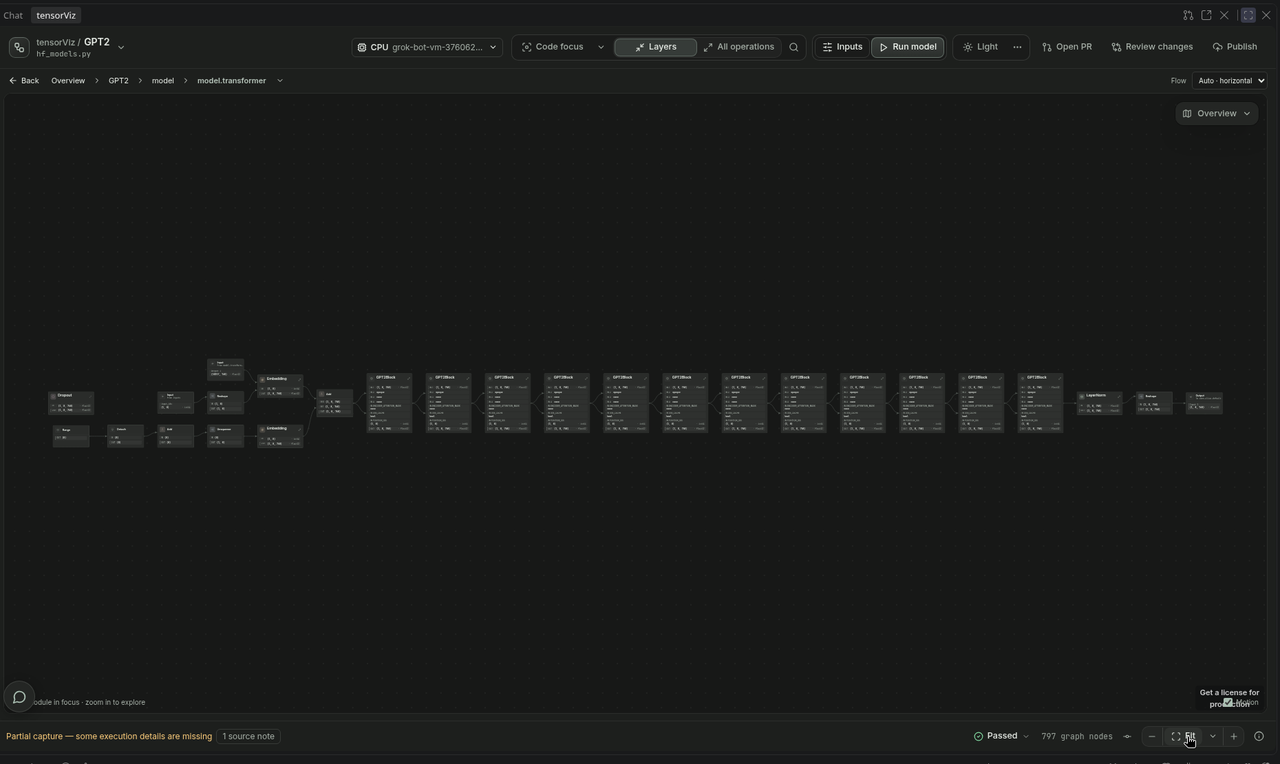
model.pywrapper andtensorviz.tomlprofile with the exact input choices, CPU/eval mode and gradients disabled. The config and weights are explicittracked_filesin the profile, so saved-profile checks include their file identities. - Invokes the existing Open as Graph flow. Python selection, dependency approval, profile resolution and captured Canvas use the normal extension flow.
The wrapper loads only local safetensors and installed Transformers code. It does not enable remote Python or pickle loading. Missing, unexpected or mismatched weights refuse execution instead of silently using randomly initialized layers. Existing files are never overwritten. Cancellation/failed downloads remove only the new incomplete import directory; saved files survive capture/setup failures. Reopen the saved model.py with Open as Graph to reuse the download. Edit inputs through Canvas or the saved profile for later captures.
Input tensors are limited to 4,194,304 elements in total. This is not a limit on model allocations, intermediate tensors or loading memory. A CPU capture can need considerably more RAM than the weight file's size.
Boundaries
.pt/.binlinks are not imported. Use the existing local Python model and checkpoint/factory recipe flow. A state dictionary alone cannot define forward order, residual edges, activations, masks or arbitrary Python branches.- Remote-code import, sharded-model assembly, tokenizer or processor download, an inference service, automatic package install, and GPU execution are outside this flow.
- The weight explorer is a VS Code editor view. The captured graph stays in the sidebar Canvas, with Open Canvas in Browser for a larger page. The plugin and a browser-only window do not import Hugging Face weights on their own.
- Vogent-Turn-80M is a gated example: a custom Whisper/SmolLM classifier. With access, its safetensors can be inspected. Execution still needs that model's implementation and a multimodal input setup.
Format reference: Hugging Face safetensors metadata parsing. Model reference: Vogent-Turn-80M.